 Video menus for restaurants
The smart menu
for restaurants and hotels.
Guests scan the QR on your table, watch each dish in their own language, filter out allergens, and send their order straight to your kitchen. No app to download.
Works on any table QR · 8+ languages · Allergen filtering
A written menu asks guests to guess.
Words alone make people picture a dish they have never seen, so they order the thing they already know.
Guests who don't speak the language play it safe, instead of trying the dishes you are proud of.
A plain PDF behind a QR code gives no reason to look. Cravd is the opposite of that.
Turning your dishes into video, four easy ways.
We fit around how you already work. Pick the option that suits you, and we handle the rest.
Send your own photos
Already have good dish photography? We turn your images into short, appetising video.
Use professional images
Already working with a photographer? Send us the professional images and we turn them into short video with AI.
Just use your phone
Snap your dishes on a phone. We turn those into professional quality images with AI, then into video.
We send a photographer
Want a real shoot? Our photographer spends a full day with you and covers your whole food and drinks menu in one visit.
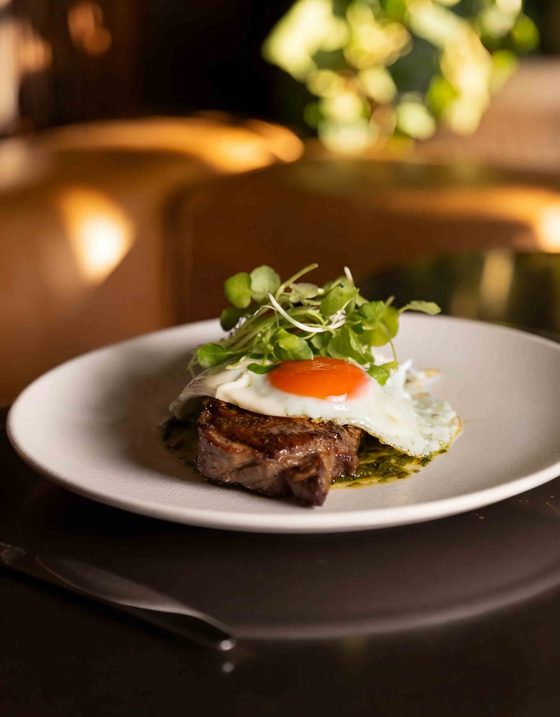
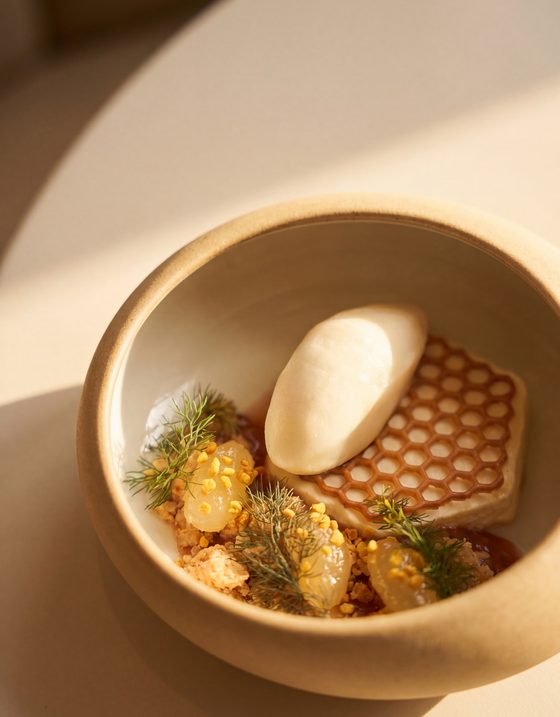
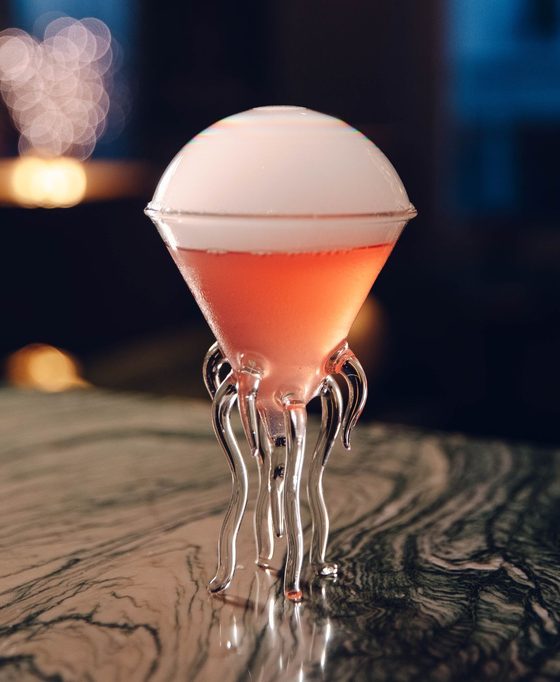
Mains, desserts, drinks and more: create as many menu sections as you like.
Then we build your menu, translate it, and hand it over ready to edit any time. Your guests scan the code on the table, watch each dish, and order in their own language, straight to the kitchen.
People order what they can see.
Peer-reviewed research found video menus produced stronger mental imagery and desire to eat than pictures, narration or a conventional menu. Commercial uplift varies by restaurant, so Cravd measures your real results.
A good photo of a dish makes people want it, before they have read a single word about it.
Controlled studies link dynamic presentation with stronger preference and willingness to pay for enjoyment-led products.
In a restaurant-menu experiment, video ranked highest for mental imagery and desire to eat. It did not measure completed orders.
Everyone reads the menu in their own language.
Cravd comes in 8+ languages, and we can add any language your restaurant needs. Because guests can also see each dish, they understand food they have never tried, instead of ordering something safe.
The same dish, the same video, understood by every guest at the table.
Simple for guests with dietary needs.
You choose what to show: calories, allergens, and tags like vegetarian or vegan. Guests then filter the menu to what they can eat, so they only see the dishes that work for them. No squinting at small print, no asking twice, and a lot less time spent deciding.
You run the menu, in real time.
Update instantly
Change a price, a dish or a photo and guests see it straight away. No reprinting, ever.
Sold out in one tap
Mark a dish gone and it disappears from the menu, until you bring it back.
Made to look like you
Your logo, your colours, your fonts, so the menu feels like your restaurant and not a template.
See what sells
Watch what guests view, add and order, and use it to shape the menu around your best dishes.
Menus that appear at the right time, on their own.
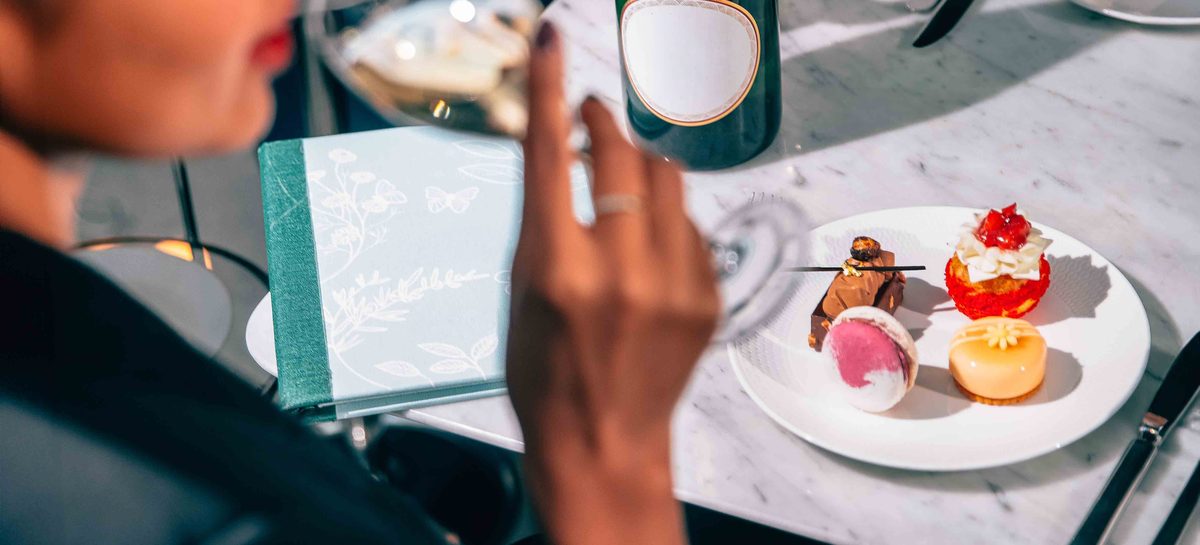
Set each menu once: the days it runs, the hours it is served, and any dates to skip. Breakfast shows in the morning and hides after. Afternoon tea runs from 1pm to 5pm. Your guests only ever see what the kitchen is actually serving, with no "available 12 to 3" printed anywhere.
Analytics, so the next menu is a decision, not a guess.
Your portal counts every view, every add and every order, dish by dish. You can see what sells, what gets looked at and skipped, and what nobody opens at all.
Bestsellers, ranked
Every dish ordered by views, orders and revenue, so your bestsellers and your dead weight are both obvious at a glance.
The ingredients guests remove
When the same ingredient keeps being taken out of a dish, you see how often, and the recipe is yours to change.
The language of every order
See which languages your guests actually order in, so you know which ones are worth the menu space and which rooms to market to.
Problems flagged for you
A dish nobody has viewed, or one seen often and ordered rarely, is flagged, so it does not sit there unnoticed for a whole season.
Why restaurants choose us.
We set it up for you
We make the videos and build your menu. It is prepared to work with your till system (POS), and it never takes guest payments. After that, you run it yourself from your private portal: a simple website where you change dishes, prices and photos.
It looks like your restaurant
Edit your logo, your colours and your fonts, so the menu feels like part of the room, not a generic app.
Nothing for guests to download
They scan a code and order in seconds. No app, no sign up, no friction at the table.
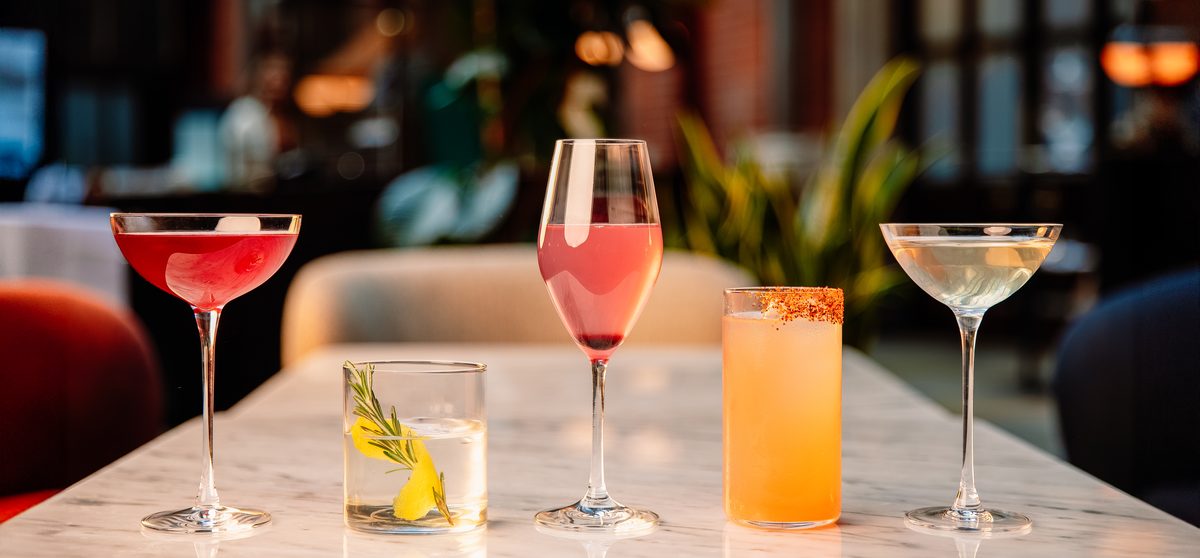
Your menu lives on the web, ready to be discovered.
Every Cravd menu has its own public web page that Google and AI assistants can read. They decide what to show, so we cannot promise a ranking, but your menu is not buried in an app or a PDF.
See your menu come to life.
A short call, your real dishes, and a look at exactly how it works. No pricing games, we talk through what fits on the call.
Thanks, we'll be in touch.
We will reach out shortly to set up your demo.
Questions restaurants ask
What is Cravd Studio?
Do guests need to download an app?
How are the dish videos made?
What languages does it support?
How do orders reach the kitchen?
Can we share our menu on our website and social media?
How much does it cost?
Learn more from our blog
Best digital menu for restaurants
Six things a modern digital menu should do: show the food, speak every language, stay current, and be found online.
Why we order with our eyes
The science of how seeing food drives hunger, choice, and how much we pay.
How to make a QR code menu
What to put behind the code, how to keep it current, and the mistakes that make guests leave.